
One roster. Every driver's session, in one place.
LapperSnapper Teams is for karting academies, race teams, and anyone coaching more than one driver. Same analysis engine your drivers already use — pointed at a whole roster instead of a single phone.
One owner, up to four coaches, up to fifteen active drivers. Billed monthly or yearly, cancel anytime.


Eight drivers, eight phones, no picture.
A coach with a roster has the same data problem eight times over. Sessions live on whichever phone recorded them, the kart logger gets downloaded to whatever device is nearest, and nobody can answer "is this driver actually improving?" without stitching it together by hand. Teams makes the roster the thing the data hangs off.

Two kinds of driver, because a ten-year-old shouldn't need an account.
A driver on your roster either holds their own account or doesn't. Both work, and you can move between them.
Profiles you create
Add a name and you have a driver. No account, no email address, no consent flow — which is exactly what you want for young kids. Sessions you attribute to that profile belong to the team, and their history builds up from their first session onward.
Drivers who join
Send an invite and a driver connects their own account. From then on they own their data and their new sessions share to the team automatically while they're on the roster. What they recorded before they joined stays theirs and stays private.
A profile can be claimed later. When a driver you created a profile for is old enough to hold an account, claiming it hands them their full history — every session you logged for them comes with it.
Log it however it actually happens.
Download the karts
Staff pulls sessions off the loggers on one device, in the paddock, over WiFi or Bluetooth — the same way a solo driver does.
Say who drove
New sessions land in a queue waiting for a driver. Tag each one and it moves onto that driver's profile. Drivers with their own account skip this — their sessions arrive already attributed.
Coach from the roster
Open any driver and see their sessions, their trend, and the corners costing them the most time — across their whole history with you, not one session at a time.

A profile per driver, not a folder per session.
Each driver gets a real profile: contact and guardian details, race class and kart number, notes you type between runs, and their session history with per-corner coaching over all of it. It is the difference between having a driver's data and knowing how they're going.

Four roles, and they mean what they say.
Owner
One per team. Everything a coach can do, plus billing, adding and removing coaches, archiving drivers, and deleting the team.
Coach
Up to four. Sees every driver, creates profiles, invites drivers, logs and attributes sessions. No access to billing, and cannot archive a driver.
Mechanic
Runs the trackside workflow: fleet, sessions and telemetry, setup baselines, heats, conditions and readiness — without private driver CRM, billing or Team administration.
Driver
Uses the app normally. Sees their own data and nothing from the rest of the roster. Can leave the team from their own settings, whenever they want.
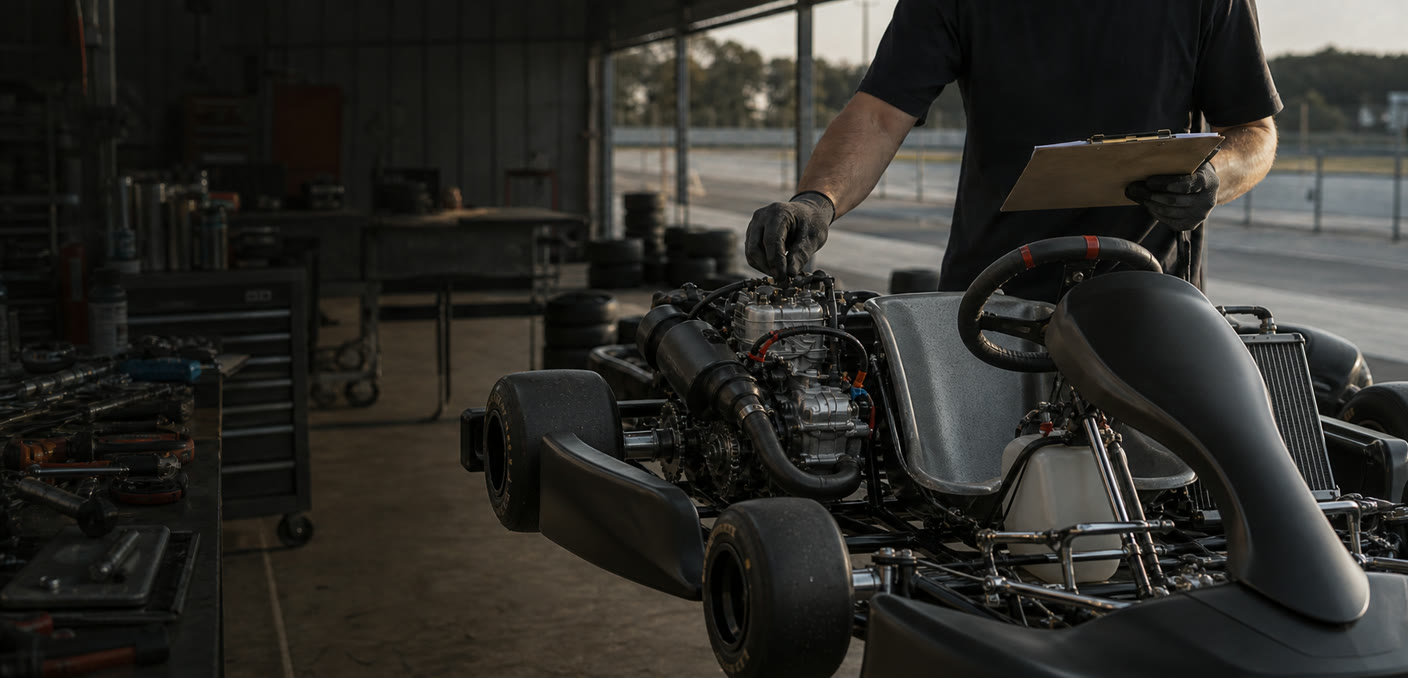
Every setup. Every heat. One trackside record.
Give mechanics the fleet, live conditions, setup baselines, heat-by-heat changes and the sessions that ran them — while vehicle and service history stays with each driver.
Set up the next heat
Start from a named baseline, clone the last heat or begin blank. Record the changes without rewriting what ran before.
Conditions where you are
See live weather, outlook, air density and icing risk, then keep the mechanic's own track and grip readings on the heat.
Connect setup to session
Assign each recorded session to the heat it actually used, with the vehicle, setup, conditions and telemetry kept in one story.
Included with Teams. Owners and coaches manage the full record; mechanics run setups, heats, conditions and readiness; connected drivers see their own Team vehicle history.
Coaches see the roster. Drivers see themselves.
The owner and coaches see every driver's shared sessions. A driver sees their own, and never another driver's. That is fixed policy, shown in the app and not editable per team — so nobody has to trust that a setting was left the right way round.
Leaving is clean, in both directions. Archive a driver and they keep everything they own; the team keeps the sessions that were shared with it as a frozen, read-only record. A driver who deletes their account takes their data out of the team too.

One plan. Fifteen drivers.
$990 a year if you pay yearly — two months back.
- One owner, up to four coaches, up to fifteen active drivers
- Unlimited team sessions, history, and cloud storage
- Per-driver profiles, notes, trends, and corner coaching
- Session attribution and dual logging
- Your team's branding on exported clips
- Team Garage with live conditions, setup baselines, heats, readiness, service and vehicle history
Bought in the app by the team owner. Cancel anytime.
Team membership covers the team's own history and analysis. Drivers who want Pro on their personal sessions buy it themselves, at the usual price.
Questions academies ask first
What happens to a driver's data when they leave?
They keep everything they own. If they held their own account, that is all of it. The team keeps the sessions that were shared with it, frozen and read-only, as a training record.
Can a coach also be a driver?
Not on the same account — one account wears one hat, which is what keeps "whose data is this?" answerable. Someone who coaches and races signs up a second time with a different email.
Do my drivers need to pay for Pro?
Not for anything the team does. Team membership covers their shared sessions and the coaching you see. Pro is for their own personal history, and that is their choice.
What if we stop paying?
You keep full access until the period you paid for ends, then the team goes read-only — you can still view, download, and export everything. We hold it for 90 days, and starting again restores the same team, roster, and history.
Do we need special hardware?
No. Teams works with the same four sources the app already reads — AiM MyChron, RaceBox, GoPro, or just a phone. Mix them across the roster however you like.
Is fifteen drivers a hard limit?
Fifteen active profiles at a time. Drivers who have left don't count against it, so a season's churn never eats your roster. If you need more, tell us what you need.