MAYA #12
Tony Kart Racer 401 RR
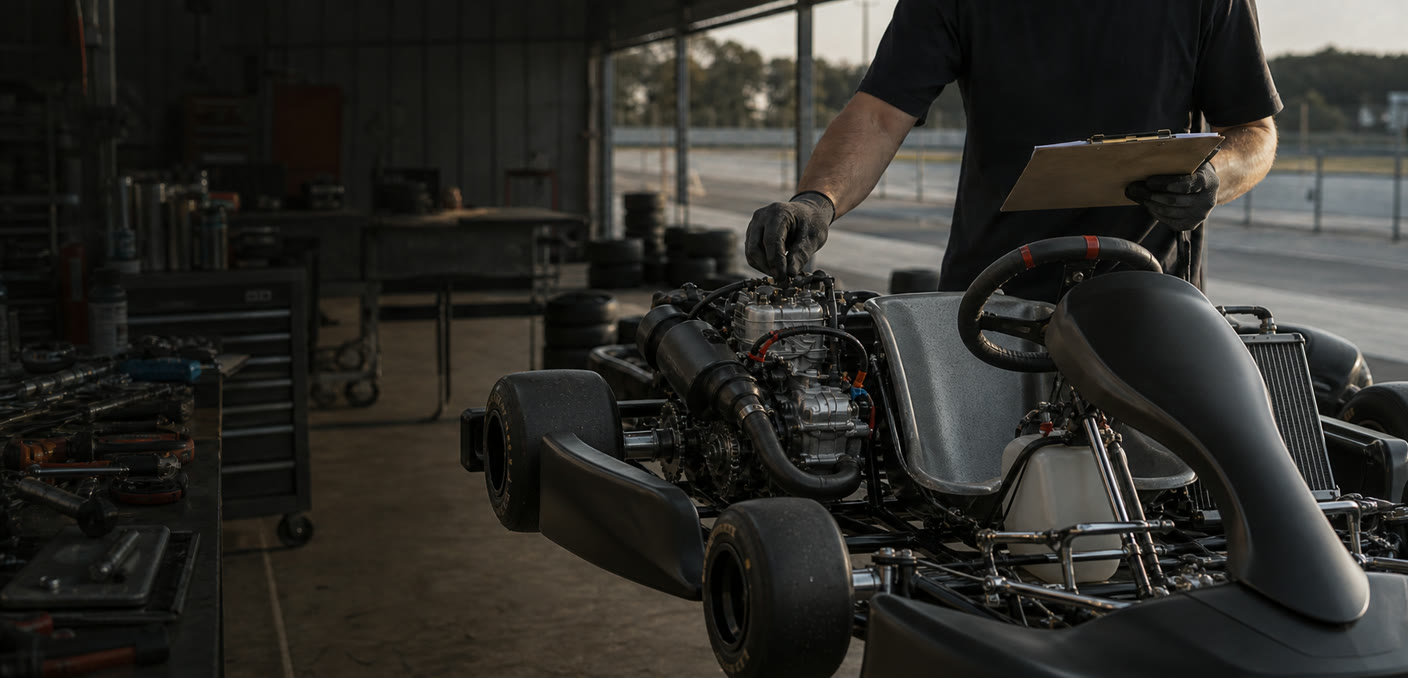
Give mechanics a live view of the fleet, the conditions, and what is running on each kart. Start from a proven baseline, record every change, connect the session, and carry the right setup into the next heat.
Check live conditions and fleet readiness, then open the kart that needs the next decision. Its baselines, today's heats, setup changes and assigned sessions are already together.
Every heat is independent. The setup it started from is frozen as a snapshot, the changes belong to that heat, and the recorded session is attached only when the mechanic chooses it.
Begin from a named baseline, clone the last heat, or start blank. Nothing is guessed for you.
Capture the kart setup and the paddock conditions for this heat without rewriting any other one.
Assign the recorded session to the heat it actually used, then open its lap data and logger telemetry.
Clone the setup forward, make the next change, and save a successful heat back to the baseline library.
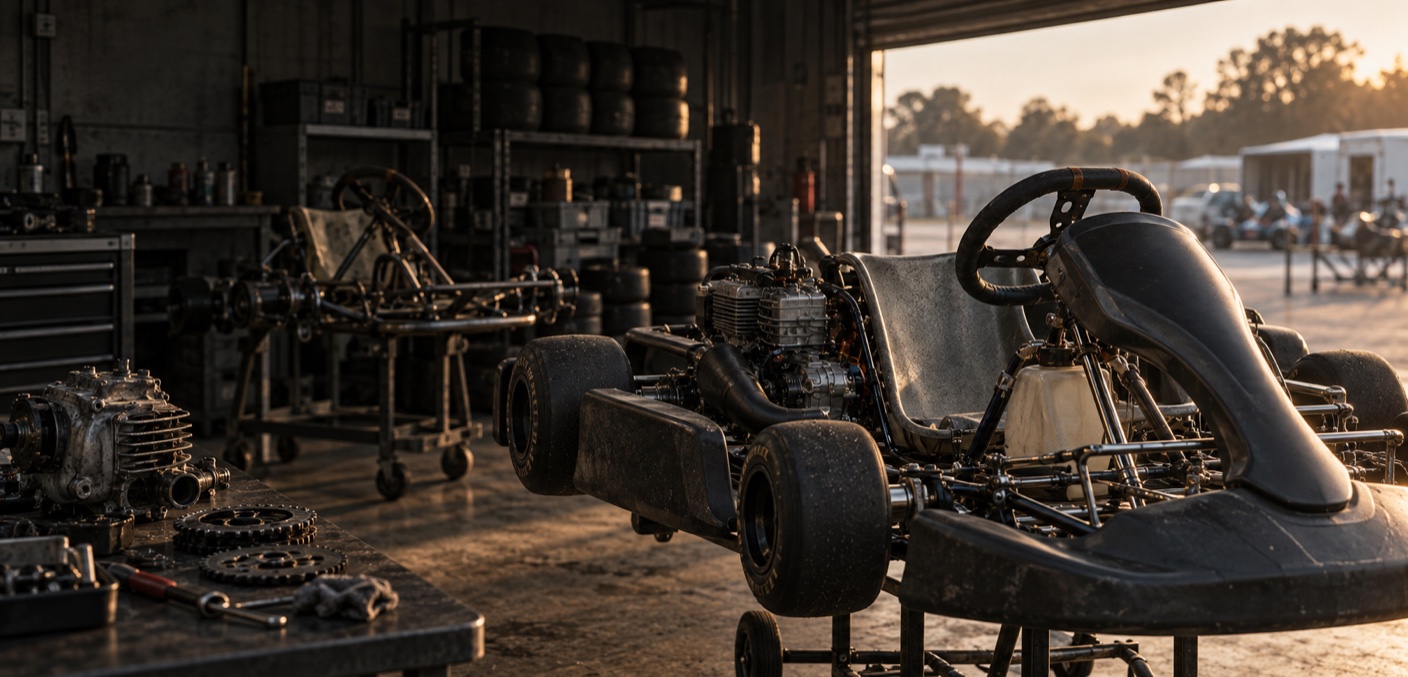
The fast trackside workflow sits on top of a durable vehicle record: identity, readiness, service work, photos and the full setup history.
Keep the kart, car or bike and its real chassis and engine identifiers beside the driver it belongs to.
Log inspections, repairs, engine hours or distance, next-service notes and supporting photos.
Archive an assignment with its reason. Its vehicle, service and setup history remains readable.
Bring an archived assignment back only when no replacement exists. The audit trail stays with it.
Included with Teams. Each role gets the part of the workflow it needs, while private driver information and Team administration stay separated.
Full vehicle, service, archive and setup control across the Team, plus billing and Team administration.
Run the complete Garage and setup workflow without gaining billing or ownership controls.
See the fleet, sessions and telemetry; edit setups, heats and conditions; assign sessions and set readiness. Private CRM and broad vehicle or service edits stay closed.
See their own current and past Team vehicles. Teams can separately allow the driver to edit their own setup sheets.
Team Garage is included with Teams: live conditions, setup baselines, heat records, session links, readiness, service history and vehicle history in one trackside workflow.